Across the last fifteen projects we audited at Genesis Digital Factory, one pattern kept showing up: every single one had used Figma AI to speed up design. Not one of them had a usable design system behind it. Generation speed was never the bottleneck. Sorting through what the AI actually produced was.
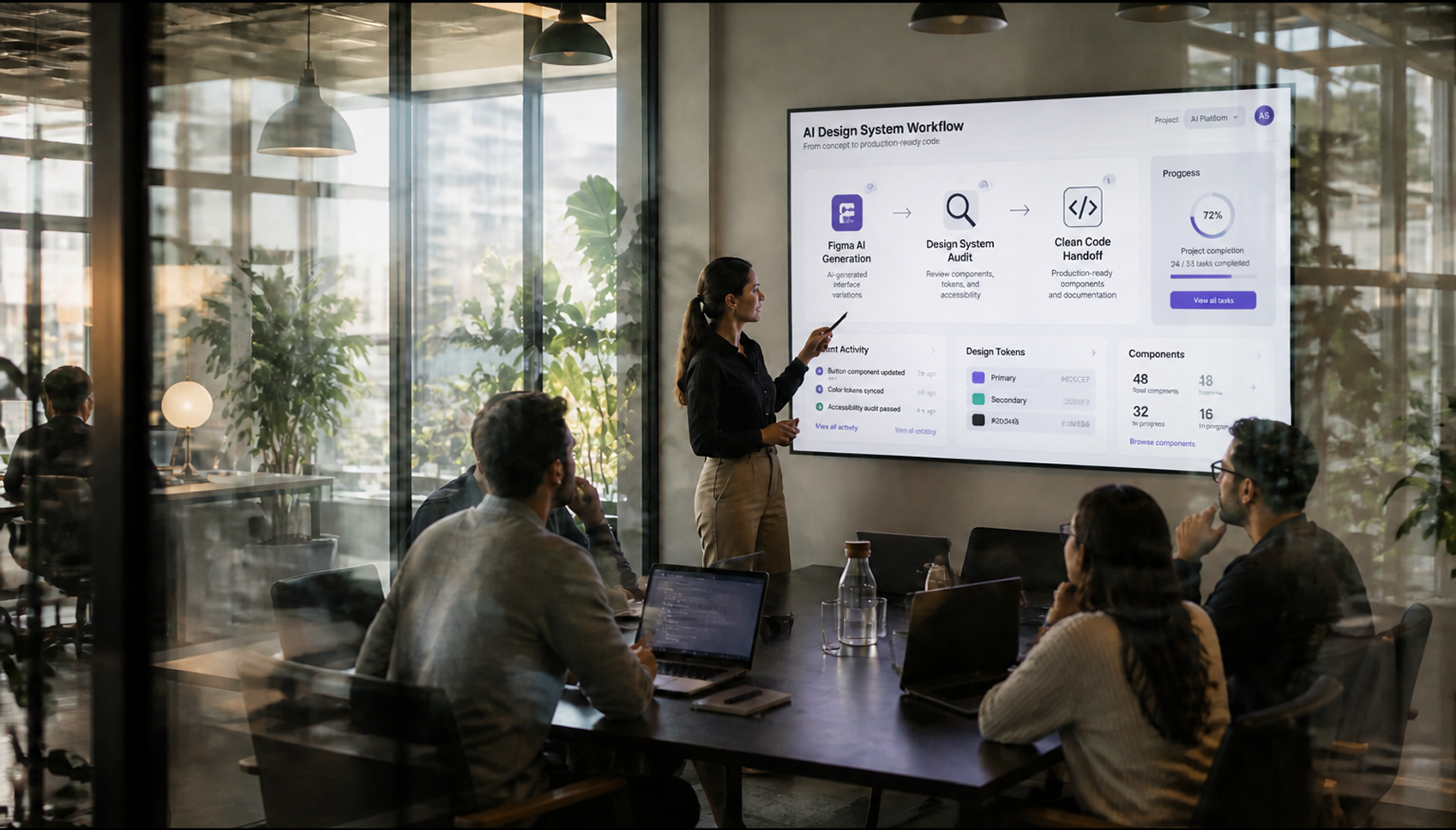
In 2026, generating a screen takes three minutes. Turning it into something clean, accessible, and maintainable still takes weeks unless someone on the team has an actual method for bridging the gap between the prompt and the code that ships. Here's the workflow we run at Genesis.
Figma AI generates screens from prompts or rough wireframes, proposes component variants, fills in realistic placeholder content, and can tap into existing Variables the color, spacing, and typography tokens already defined in a file. That's genuinely useful for exploring ten directions in ten minutes. It is not, by itself, a design system.
An AI-generated screen typically arrives with randomly named layers, inconsistent Auto Layout from one frame to the next, and spacing that follows no rule at all. Visually, it's convincing. Structurally, it's unusable for a developer or for the next AI generation, which starts from scratch instead of reusing what's already there.
Genesis Agency Insight: We inherited a project where every new page had been generated independently through Figma AI. The result: twelve slightly different versions of the "primary" button, each with its own border radius and shade of blue. The developer ended up recoding all of it by hand the AI had saved time on ideation and cost time on integration.
Genesis Agency Insight: The real time savings never come from "AI writing your code for you." They come from mapping Figma output onto a code design system that's already clean. Without that foundation, every AI generation adds technical debt instead of removing it.
Figma AI plus clean code works when generation speed is paired with a real method for sorting, mapping, and reviewing. Without that method, the AI produces mockups. With it, it produces an actual production gain.
Testing Figma AI on your projects and hitting a wall at the code handoff? That's the exact audit Genesis Digital Factory runs to structure this workflow end to end let's talk about your design system.


Whether you need to redesign your website, boost your social media presence, or launch high-performing advertising campaigns, we are here to support you. Free 30-minute strategic consultation to discuss your challenges, no commitment, no pressure. Just an honest, useful conversation.


.svg)
.png)